


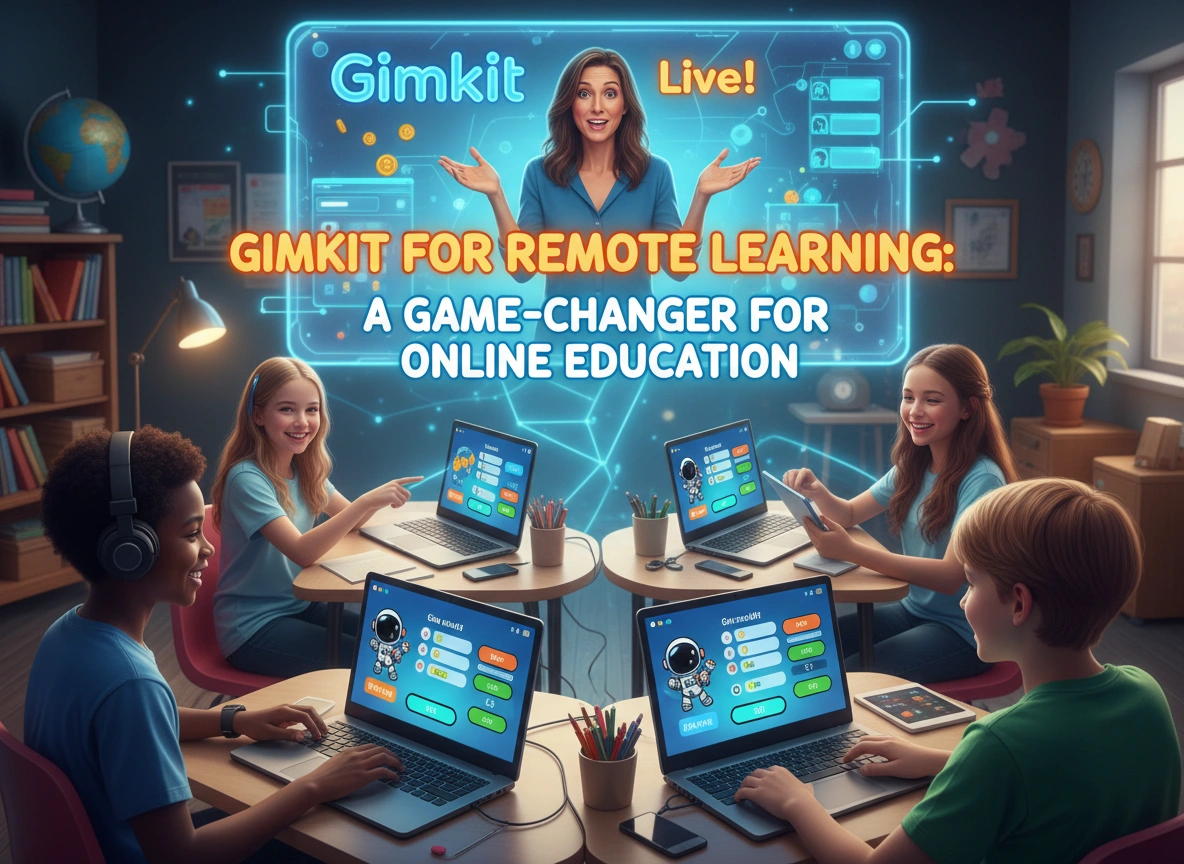
Online education has faced a persistent challenge since its inception: engagement. How do you keep students focused, motivated, and learning when they are staring at a screen miles away from their instructor? While video conferencing tools like Zoom provided the infrastructure for remote connection, they often fell short in replicating the dynamic energy of a physical classroom. Enter Gimkit.
Developed by a high school student who felt classroom games could be better, Gimkit has evolved from a simple quiz tool into a robust platform that fundamentally changes how students interact with learning material remotely. It transforms the often passive experience of online learning into an active, strategy-based competition.
This article explores how Gimkit enhances online education, dissects its standout features, and examines its profound impact on student engagement and learning outcomes in remote environments.
The Evolution of Gamified Learning
Gamification in education is not new. Teachers have long used jeopardy boards and trivia contests to review material. However, traditional gamification often rewards only the fastest students or those who already know the material perfectly. This can alienate struggling learners who disengage once they fall behind.
Gimkit changes this dynamic by introducing economy-based game mechanics. In a typical session, students answer questions to earn in-game currency. They can then use this “money” to buy upgrades and power-ups. Some upgrades increase the money earned per question, while others protect against penalties for wrong answers.
This economic layer adds a strategic element that levels the playing field. A student who answers slowly but strategically invests their earnings can outperform a student who answers quickly but fails to manage their resources. For remote learning, where teacher supervision is limited, this self-driven motivation is crucial.
Key Features That Support Remote Instruction
Gimkit offers several features specifically designed to bridge the gap between physical and digital classrooms. These tools allow educators to maintain high standards of instruction without being in the same room as their students.
1. Asynchronous Assignments
Live games are fantastic for synchronous Zoom calls, but remote learning often requires flexibility. Gimkit’s assignment mode allows teachers to set deadlines for kits (quizzes). Students can complete these at their own pace. Unlike a standard worksheet, the assignment retains the game mechanics—students still earn money and buy upgrades as they work toward a target cash goal set by the teacher. This ensures the engagement factor remains high even during homework.
2. The “KitCollab” Mode
One of the most powerful features for building community remotely is KitCollab. Instead of the teacher creating all the questions, students submit their own. The teacher approves or rejects them in real-time, and the class plays a game built from their collective contributions. This fosters a sense of ownership and collaboration that is often missing in isolated remote learning settings.
3. Diverse Game Modes
Repetition is the mother of learning, but it is also the father of boredom. Gimkit combats this with rotating game modes.
- Trust No One: A social deduction mode inspired by “Among Us,” where students must identify the impostors while answering questions.
- The Floor is Lava: A cooperative mode where the class must work together to keep the blocks above the lava.
- Infinity Mode: A classic team battle where groups compete to collect the most “Infinity Stones.”
These modes prevent the platform from feeling stale, a common issue with other ed-tech tools that rely on a single format.
Benefits for Teachers in a Virtual Landscape
For educators navigating the complexities of remote instruction, Gimkit serves as both an engagement tool and a data powerhouse.
Instant Formative Assessment
In a physical classroom, a teacher can scan the room to see confused faces. In a virtual setting, that visual feedback is gone. Gimkit provides detailed reports immediately after a game. Teachers can see exactly which questions stumped the class and which students are struggling. This allows for immediate reteaching before the lesson moves on.
Reduced Grading Burden
Remote learning often generates a mountain of digital paperwork. Gimkit automates the grading process. Whether used for a live review or an asynchronous assignment, the platform tracks completion and accuracy automatically. This frees up valuable time for teachers to focus on lesson planning and student outreach.
High Customization
Teachers can import questions from Quizlet, creating a seamless workflow. They can also edit existing kits to tailor content specifically to their curriculum. This flexibility ensures that the game serves the learning objectives, not the other way around.
Benefits for Students: Why They Log In
The student experience in remote learning can be isolating and monotonous. Gimkit injects excitement and agency into the process.
Agency and Strategy
Students enjoy the autonomy Gimkit provides. They decide how to spend their earnings. Should they save up for a streak bonus? Or buy insurance against wrong answers immediately? This decision-making process keeps their brains active and focused, preventing the “zoning out” common in online lectures.
Safe Failure
In a traditional test, a wrong answer is a penalty. In Gimkit, a wrong answer is a temporary setback that can be overcome with strategy. The low-stakes environment encourages students to take risks and try again. If they get a question wrong, the correct answer is shown, and they will likely see that question again soon, reinforcing the learning loop.
Social Connection
Game modes like “Trust No One” or team battles require communication. Students often use the chat function in their video conferencing software to strategize or playfully banter during the game. This interaction is vital for maintaining the social fabric of the class when students cannot meet in person.
Impact on Engagement and Learning Outcomes
The ultimate measure of any ed-tech tool is its impact on learning. Anecdotal evidence from the remote learning era suggests Gimkit is highly effective. Teachers report that attendance rates for live sessions increase when students know a Gimkit session is planned.
Repetition Without Monotony
To master vocabulary or math facts, repetition is essential. However, drilling flashcards is tedious. Gimkit forces repetition naturally. To earn enough money to win, a student might answer the same set of 10 questions 30 or 40 times in a 10-minute session. Because they are focused on the game economy, they don’t perceive it as drilling. This high volume of repetition cements facts in long-term memory.
Differentiated Success
Gimkit allows for different definitions of success. A student might not have the highest accuracy but could still win the game through smart financial decisions. This boosts confidence for students who typically struggle with standard assessments. When students feel capable, their willingness to engage with difficult material increases.
Practical Examples of Effective Use
To truly leverage Gimkit in a remote environment, educators should look beyond simple review sessions.
The “Do Now” Activity
Start a remote class with a 5-minute Gimkit warm-up. This encourages students to log in on time and gets their brains working immediately. It serves as a transition ritual, signaling that the learning time has begun.
Mid-Lesson Check-In
Instead of asking “Are there any questions?” and hearing silence, run a quick 3-minute Gimkit focused on the concept just taught. The report will instantly tell you if the class is ready to move on or if you need to review.
Homework Replacement
Replace a traditional worksheet with a Gimkit assignment. Set the cash goal high enough that students must answer questions correctly and consistently to finish. This ensures they are engaging with the material for a sustained period, rather than rushing to fill in blanks.
Exam Review Tournaments
Host a bracket-style tournament leading up to a major assessment. Use team modes to group students of varying ability levels together, fostering peer tutoring even from a distance.
Conclusion
Remote learning demands tools that do more than just deliver content; it requires platforms that spark curiosity and sustain attention. Gimkit succeeds because it understands that engagement is a prerequisite for learning. By blending rigorous academic review with compelling game mechanics, it transforms the solitary act of online study into a vibrant, interactive experience.
For educators looking to revitalize their online classrooms, Gimkit offers a proven solution. It empowers students to take charge of their learning strategy, provides teachers with critical data, and most importantly, brings the joy of play back into education.
As digital tools continue to shape the future of learning, platforms like Gimkit demonstrate that distance does not have to mean disconnection. By integrating this tool into your remote teaching strategy, you can turn passive screens into portals of active, enthusiastic learning.
Next Steps for Educators
- Create a Free Account: Sign up at Gimkit.com to explore the basic features.
- Import a Set: Use an existing Quizlet set or search the Gimkit library to run your first game without writing questions from scratch.
- Try “KitCollab”: For your next remote session, ask students to write the questions to increase buy-in.
- Analyze the Data: After your first game, review the report feature to identify common misconceptions in your class.

Leave a Reply